

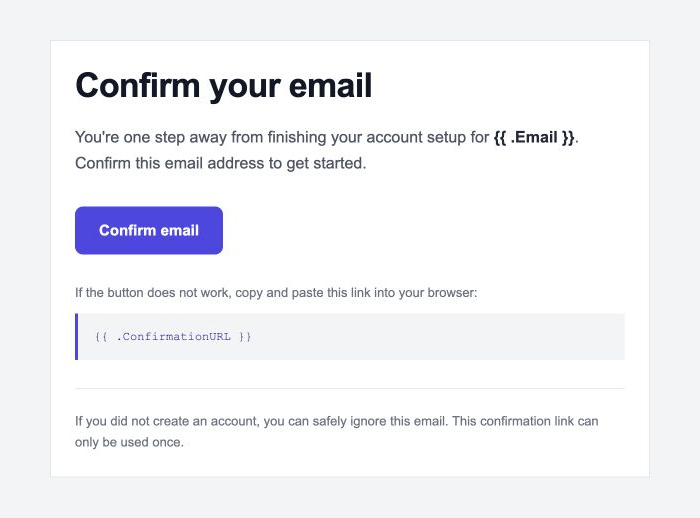
Confirm Signup
Ask new users to confirm their email address with a secure, single-use confirmation link.
Custom-designed, Supabase-compatible authentication emails. Preview, customize, and export production-ready HTML with supported Auth variables intact.
Ask new users to confirm their email address with a secure, single-use confirmation link.
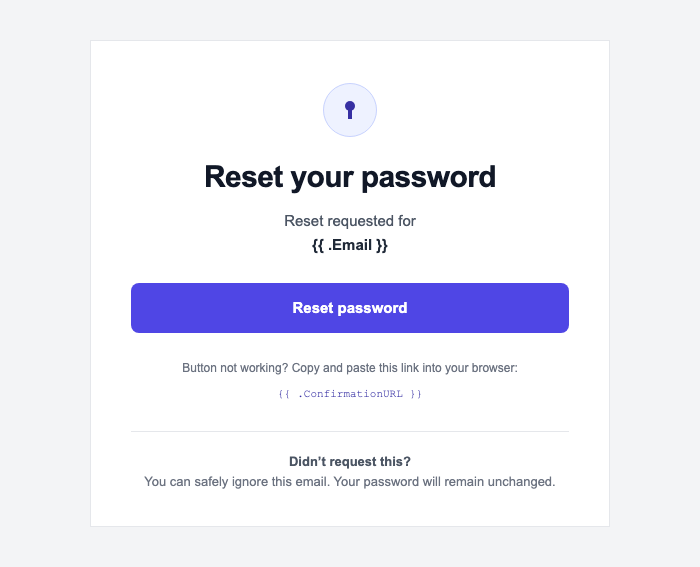
Help users securely choose a new password after requesting account recovery.
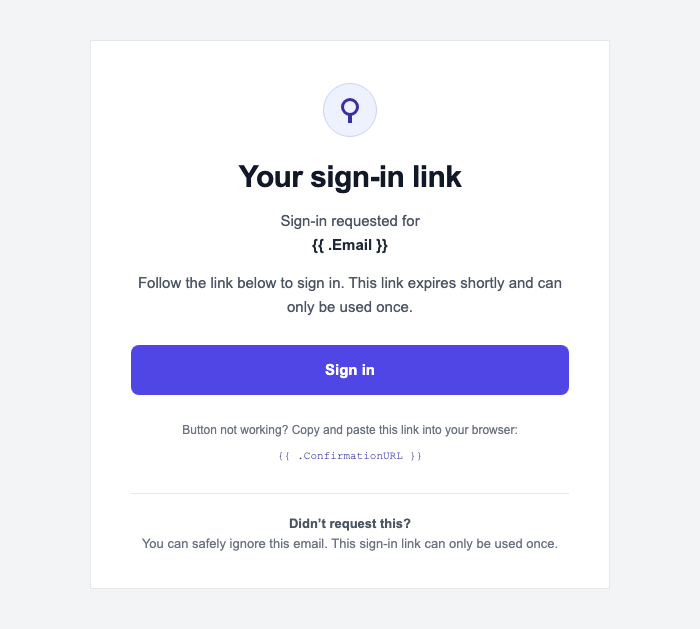
Give users a quick, password-free way to sign in with a secure one-time link.
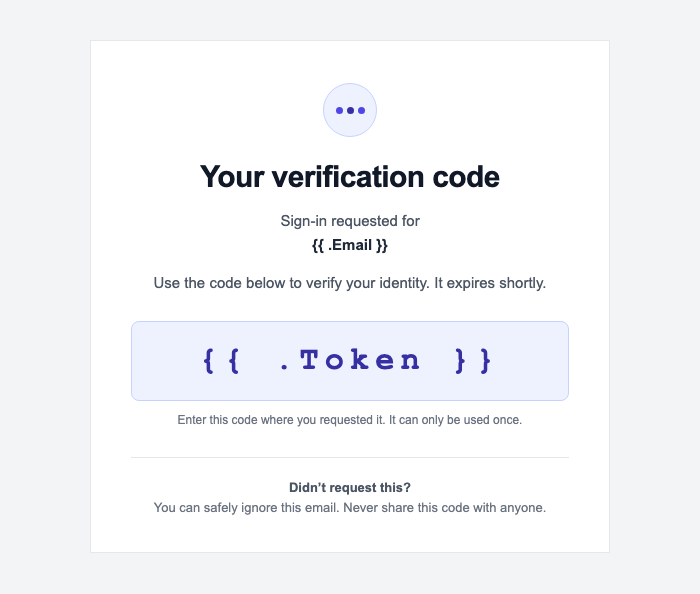
Let users sign in with a secure one-time code delivered to their inbox.
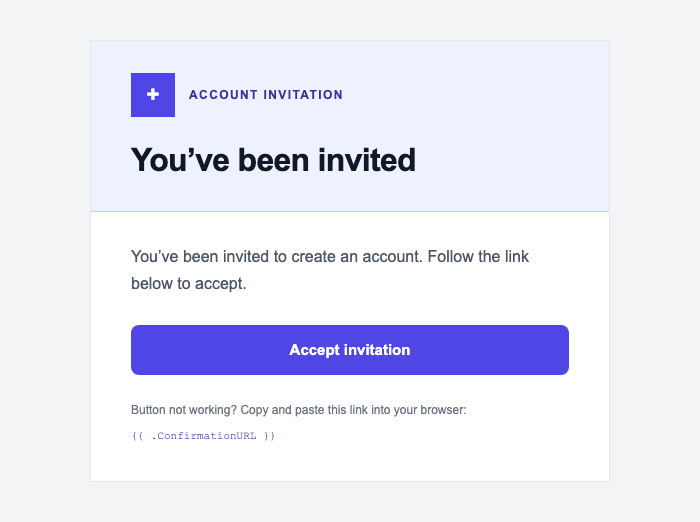
Send new users a polished invitation to create their account.
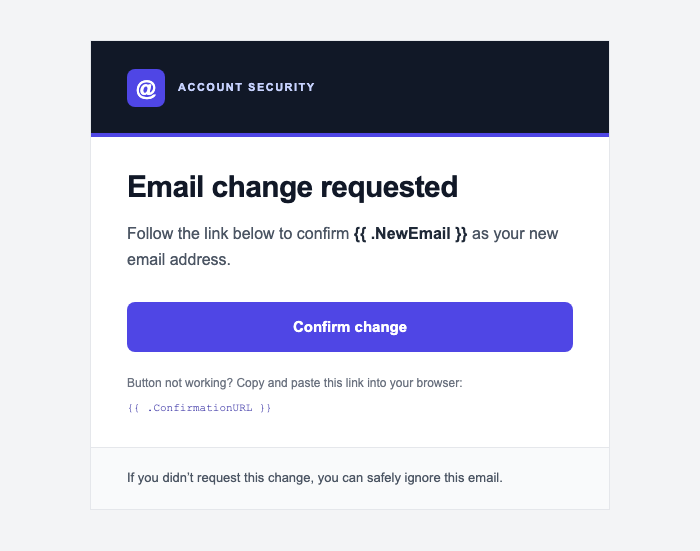
Confirm a user's new email address before Supabase updates their account.
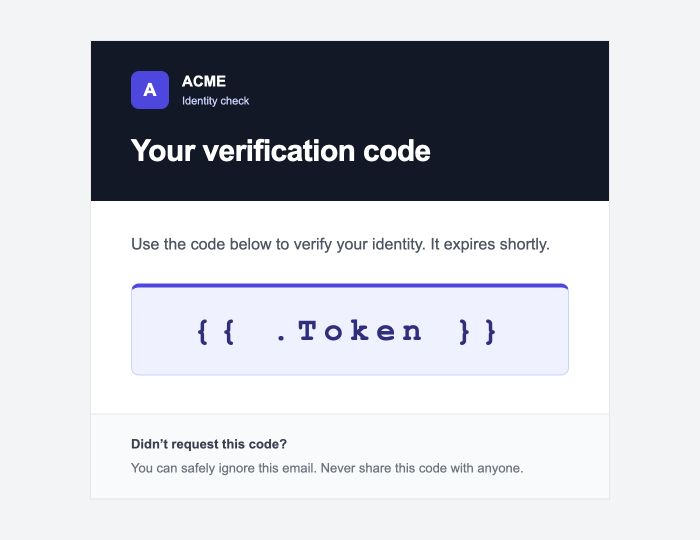
Send a one-time verification code before users complete a sensitive account action.
Choose a template above, open its live preview, and select your brand color. When it is ready, choose Copy Supabase HTML or download the HTML file.
In your Supabase Dashboard, go to Authentication → Email Templates. Select the matching email type, replace its content with your copied HTML, and save.
Keep {{ .ConfirmationURL }},
{{ .Token }}, {{ .Email }}, and
{{ .NewEmail }} unchanged. Supabase replaces them
when it sends the email. For Email OTP, use Supabase's
Magic Link template.