
Verify Email
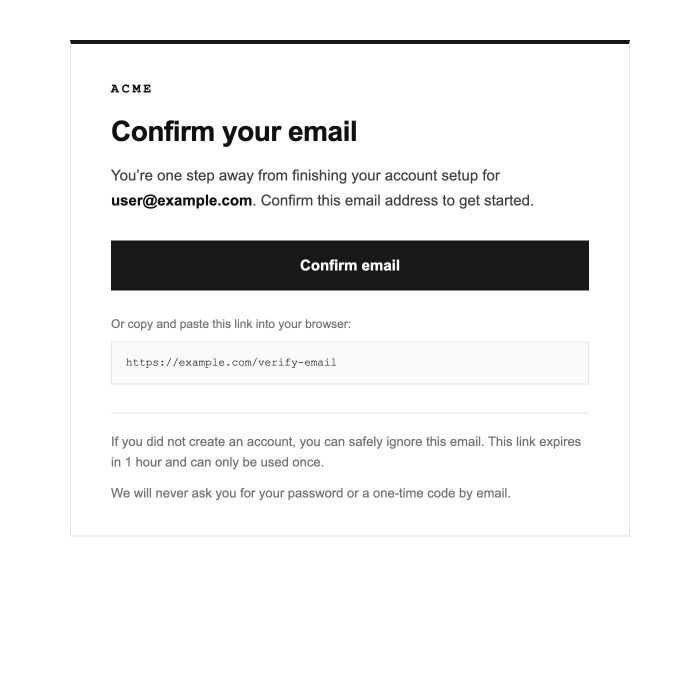
Ask new users to confirm their email address with a secure, single-use verification link.
Custom-designed authentication emails for Better Auth. Preview, customize, and export production-ready HTML with JavaScript placeholders aligned with Better Auth callback data.
Ask new users to confirm their email address with a secure, single-use verification link.
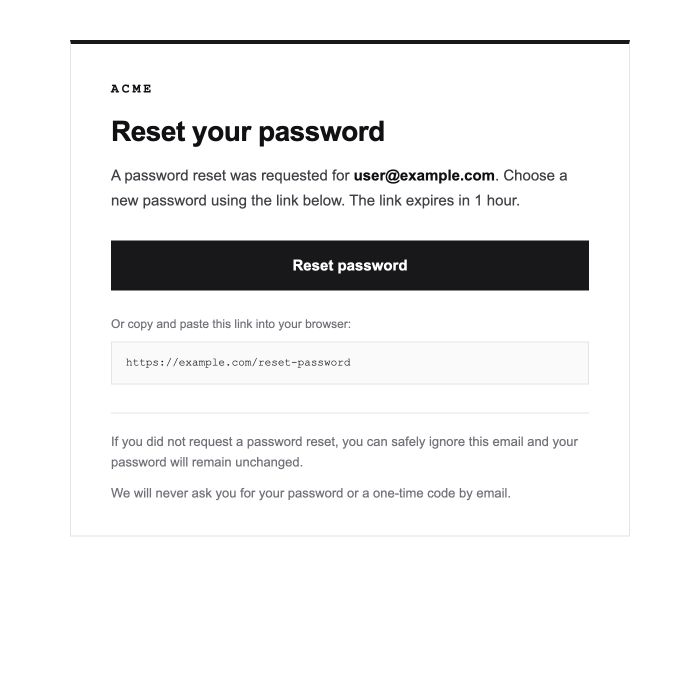
Help users securely choose a new password after requesting account recovery.
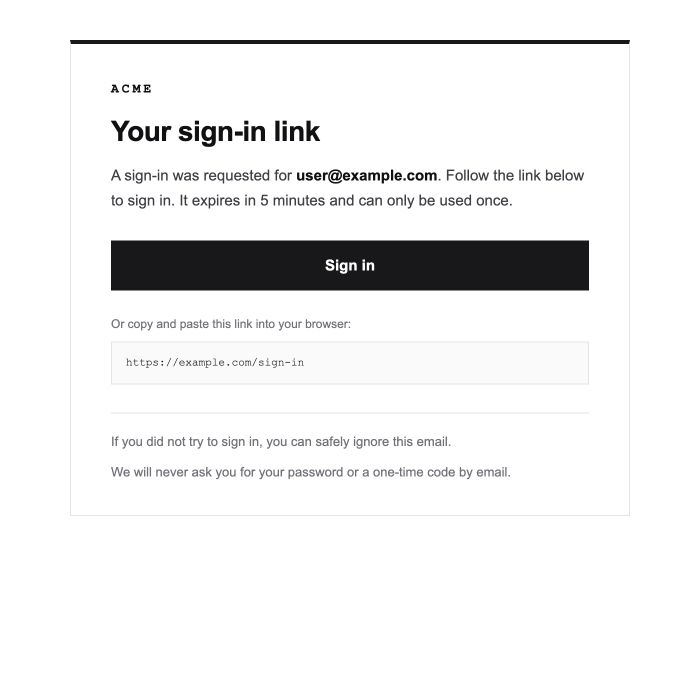
Give users a quick, password-free way to sign in with a secure one-time link.
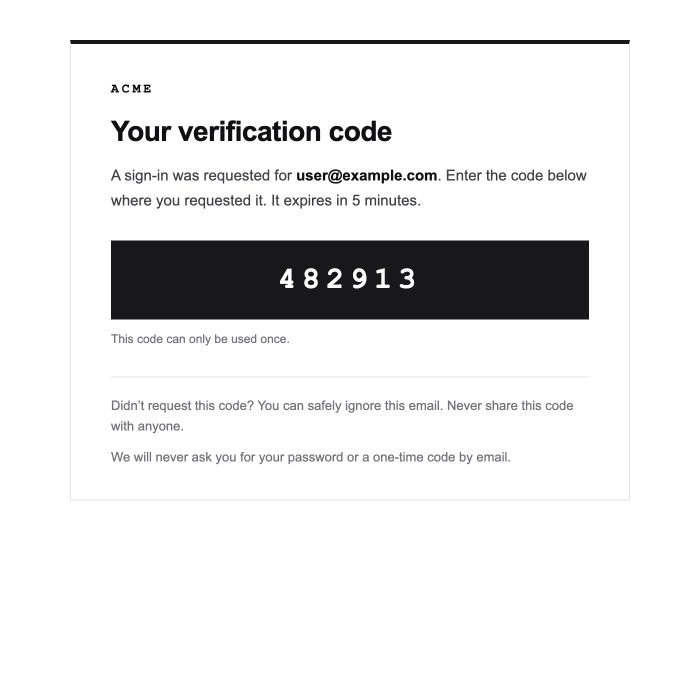
Let users sign in with a secure one-time code delivered to their inbox.
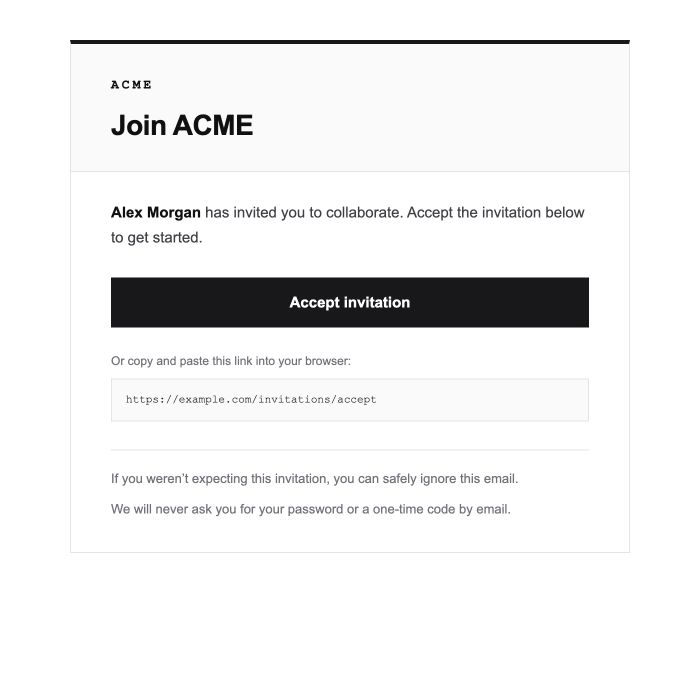
Invite people to join an organization with inviter and team context built in.
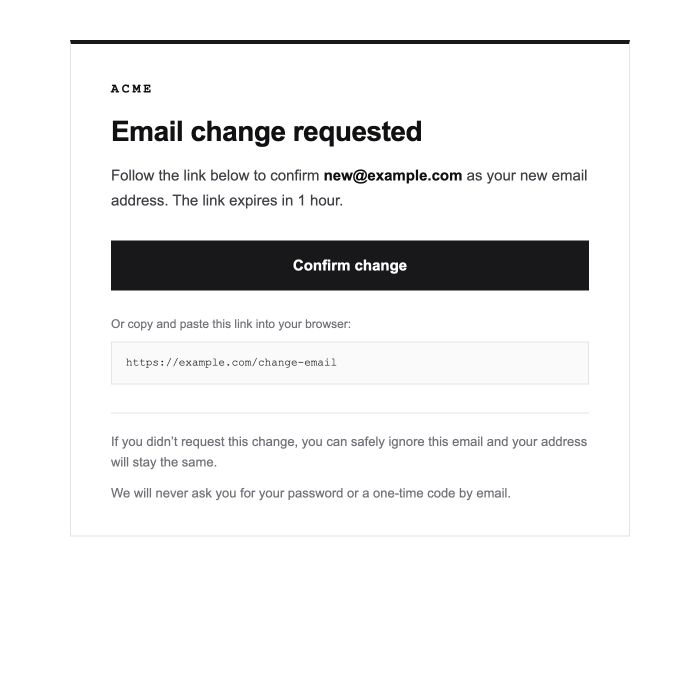
Ask users to approve their new email address before Better Auth updates it.
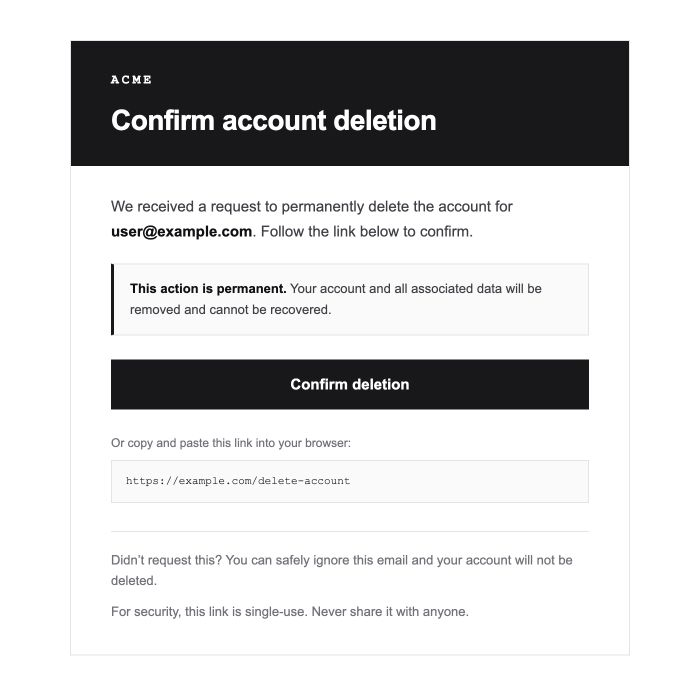
Confirm a permanent account deletion request before it goes through.
Choose a template above, open its live preview, and select your brand color. When it is ready, choose Copy Better Auth HTML or download the HTML file.
Better Auth provides callbacks for sending authentication emails. See the Better Auth email documentation to configure the appropriate callback. To use custom HTML, pass the copied template as the HTML body through your email provider; the exact setup depends on the provider you use.
Keep ${url}, ${otp},
${email}, ${newEmail},
${inviteLink}, ${inviterName}, and
${organizationName} unchanged. They are plain
JavaScript template-literal placeholders, so define matching
variables from your callback’s arguments, for example
const email = user.email. If you build the HTML
without template literals, swap them out with
.replace() instead.