Gift Card
NewDeliver a digital gift card with the amount, code, and sender's message, plus gift ideas under the balance.
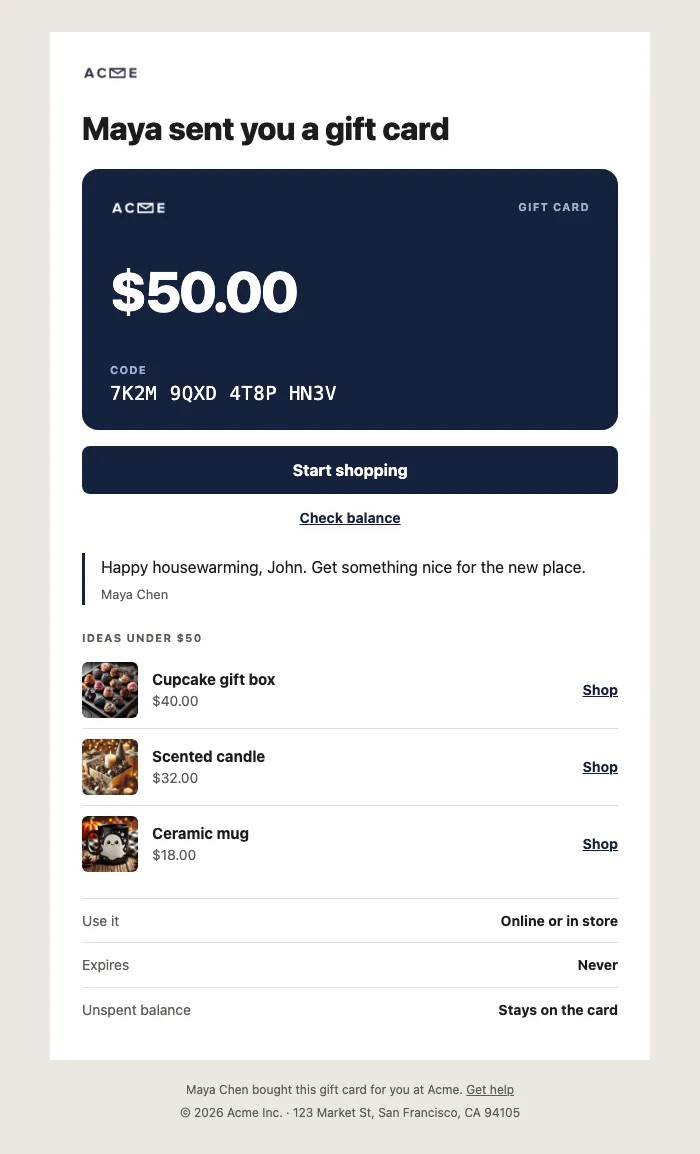
Deliver a digital gift card with the amount, code, and sender's message, plus gift ideas under the balance.
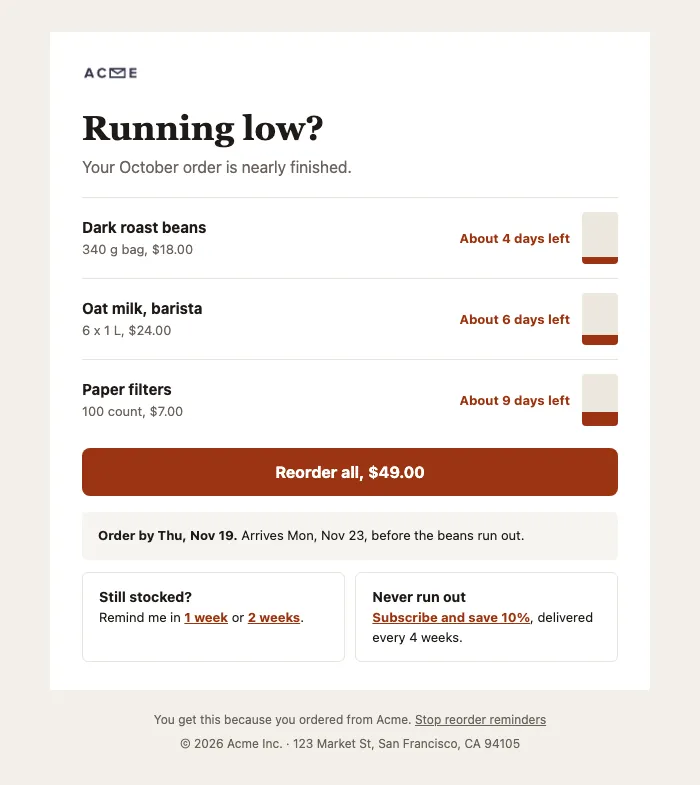
Remind customers to reorder before they run out, with a supply gauge for each item.
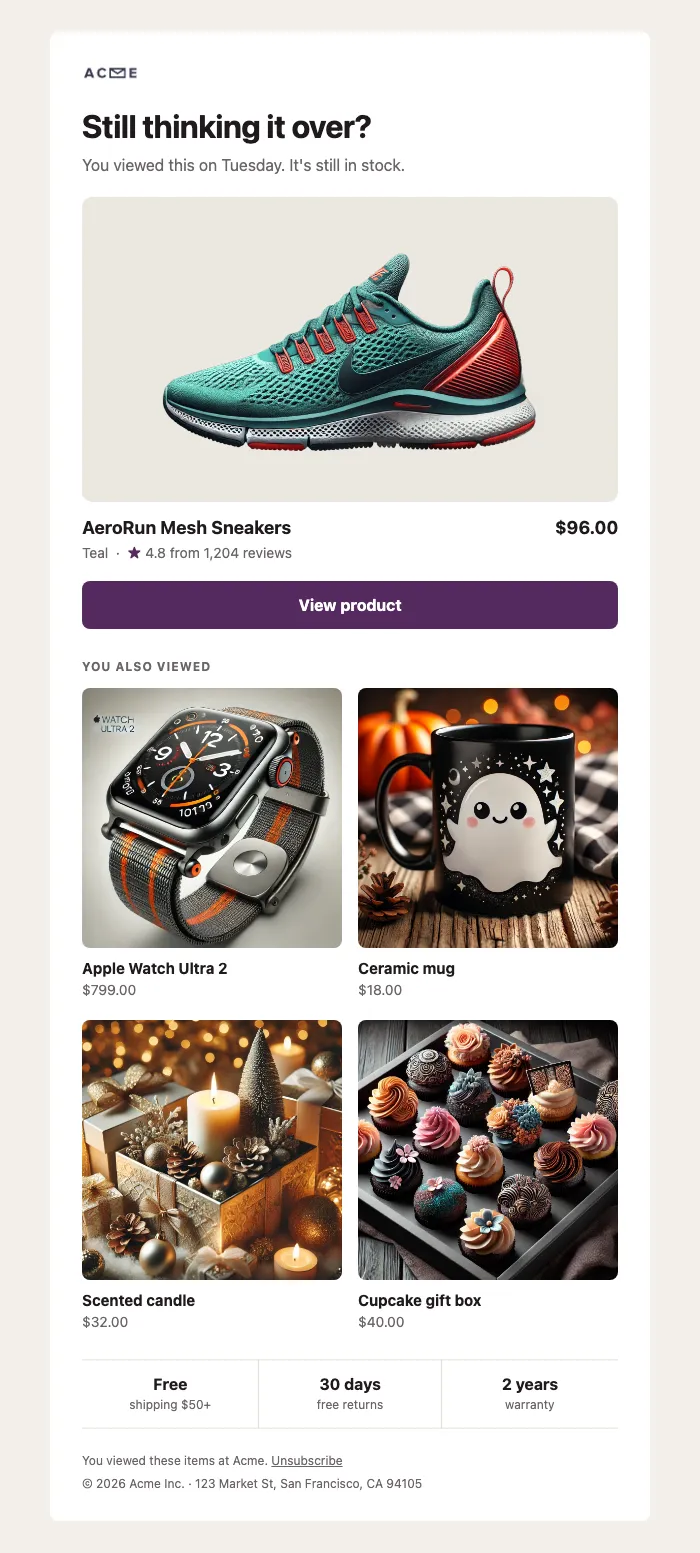
Bring shoppers back to a product they viewed, with its rating and the other items they opened.
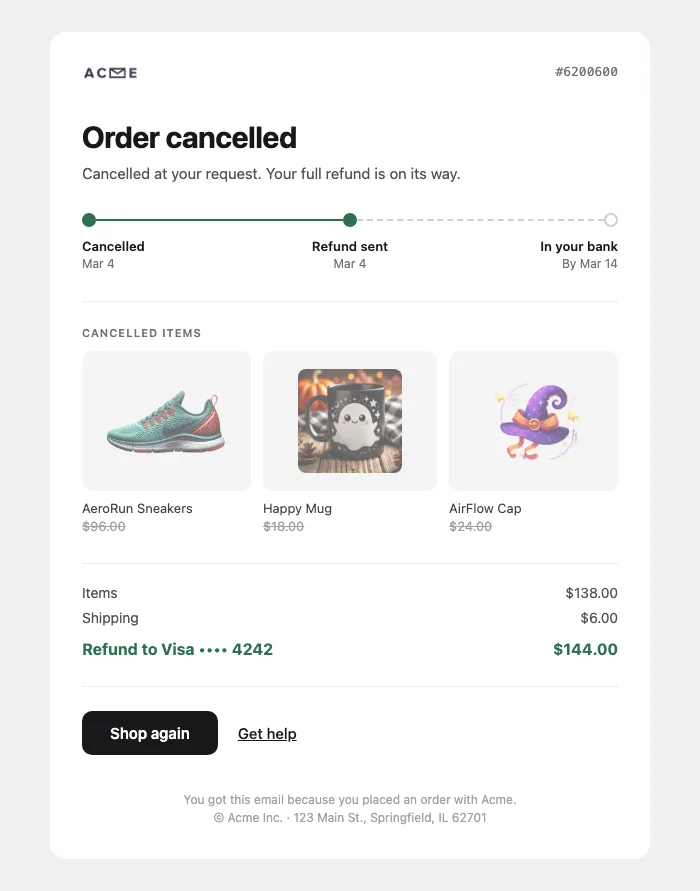
Confirm a cancellation with a refund tracker, the cancelled items, and the refund total.
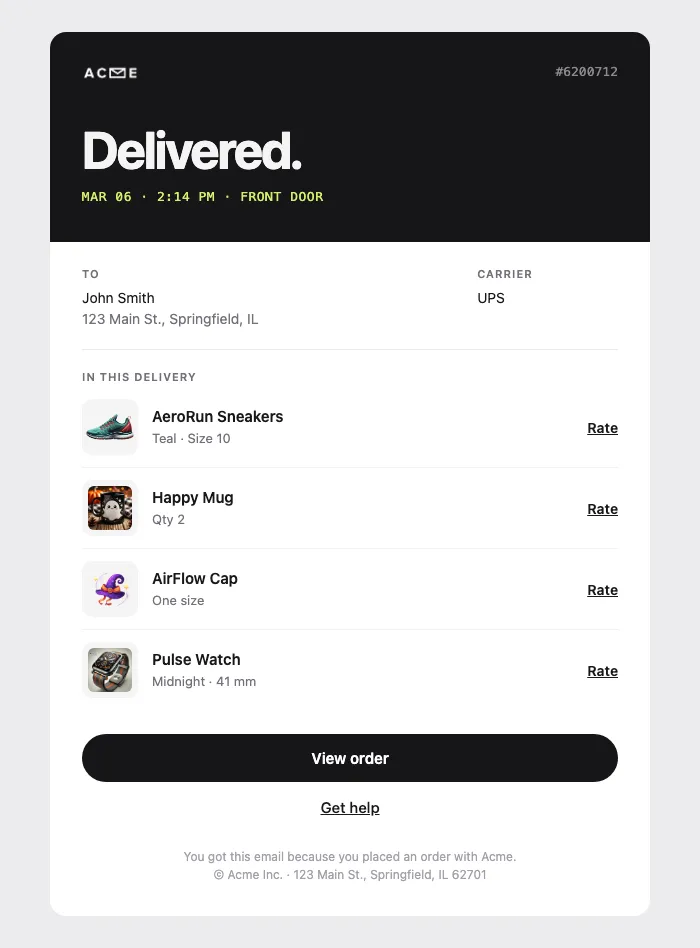
Confirm a delivery with the drop-off time, the recipient, and a rate link for each item.
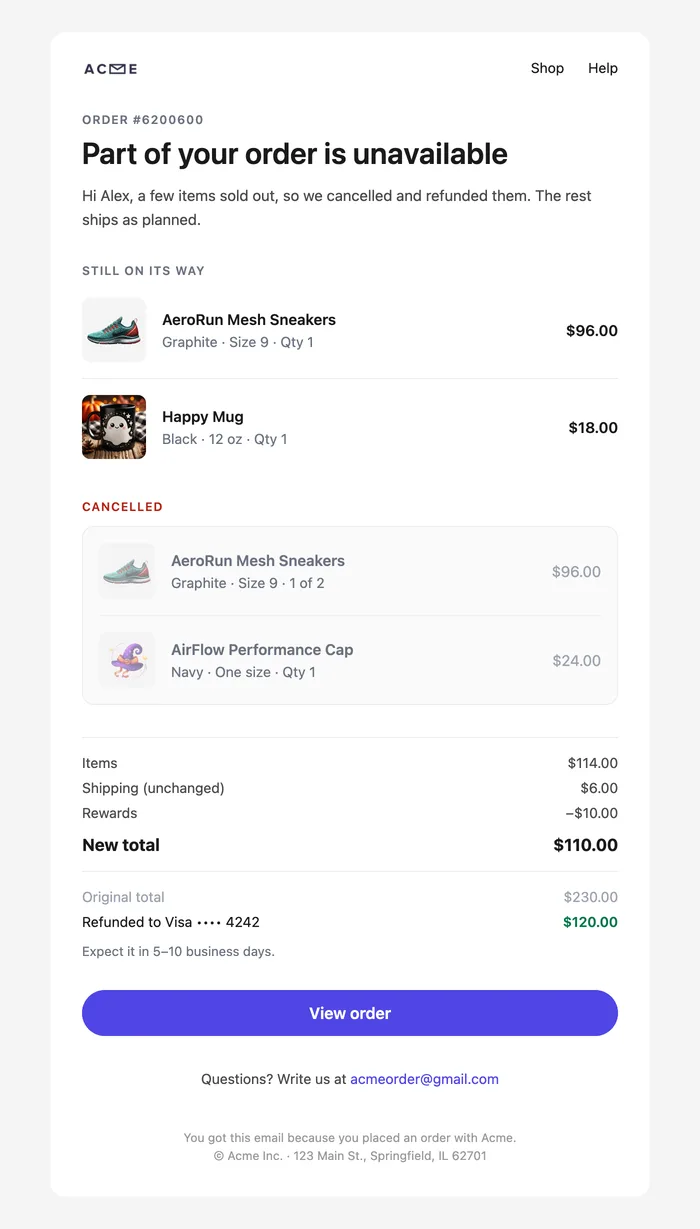
Show which items are still on the way and which sold out, with a revised total and refund summary.
Tell waitlisted customers an item has returned, with the variant, stock count, and a buy button.
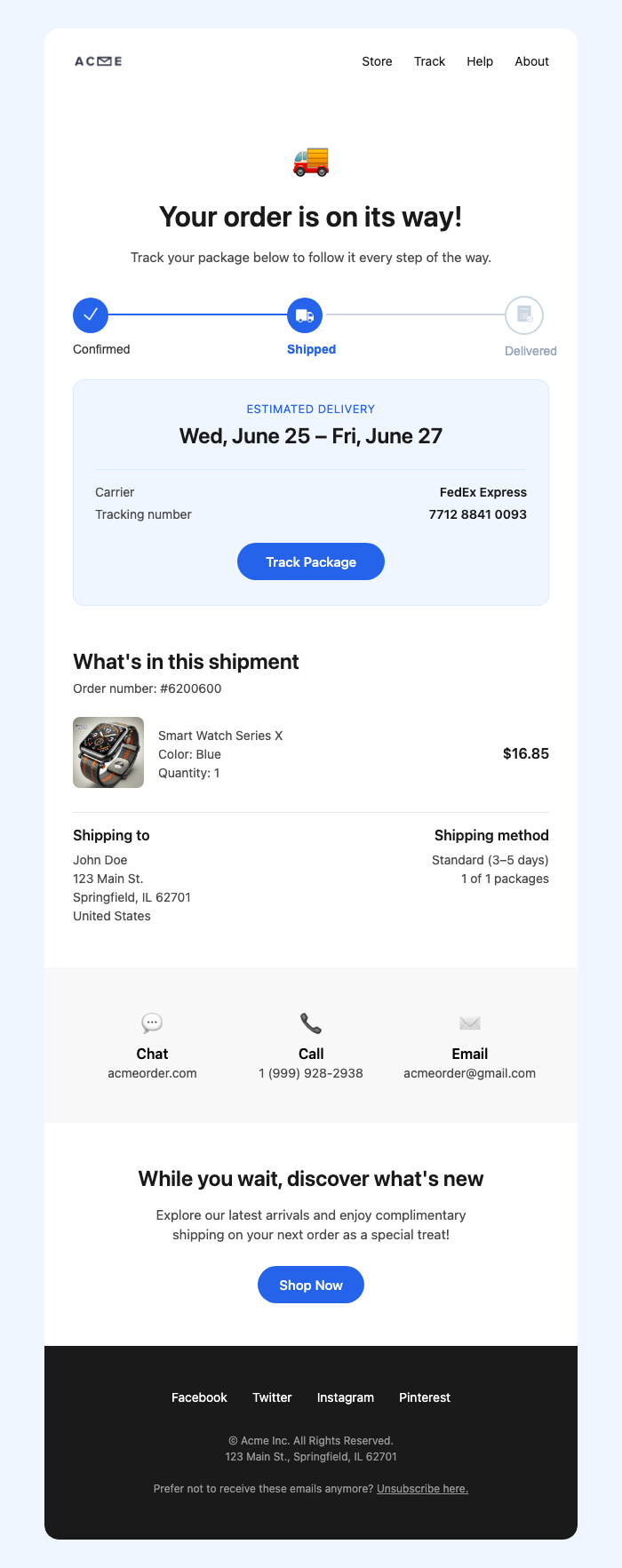
Tell customers their order has shipped, with tracking, a progress tracker, and the estimated delivery date.
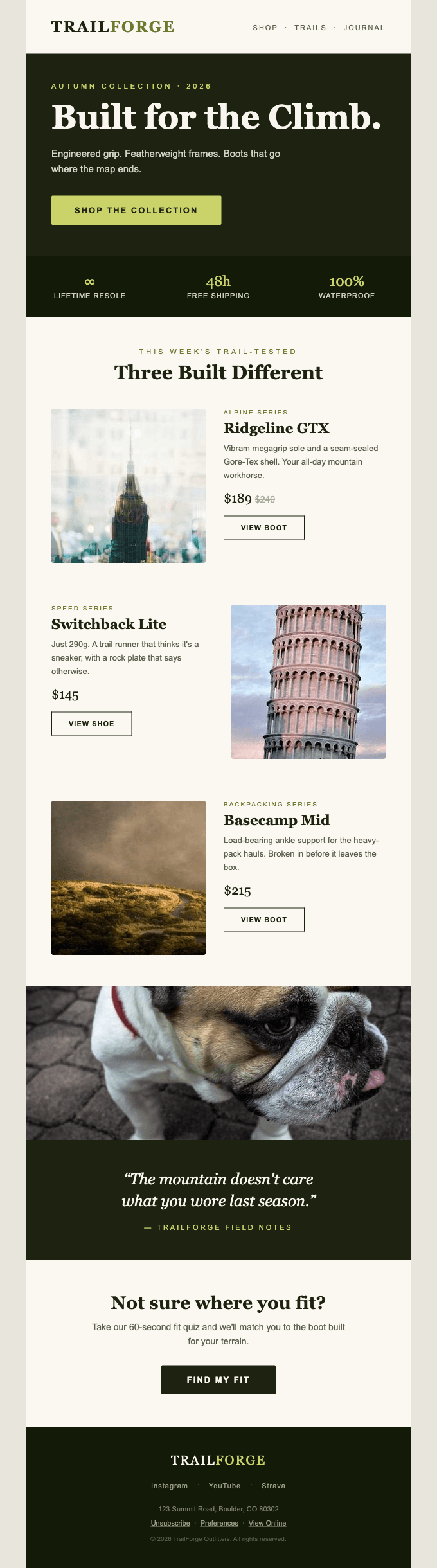
Launch a collection with pricing, benefits, imagery, and clear calls to action.
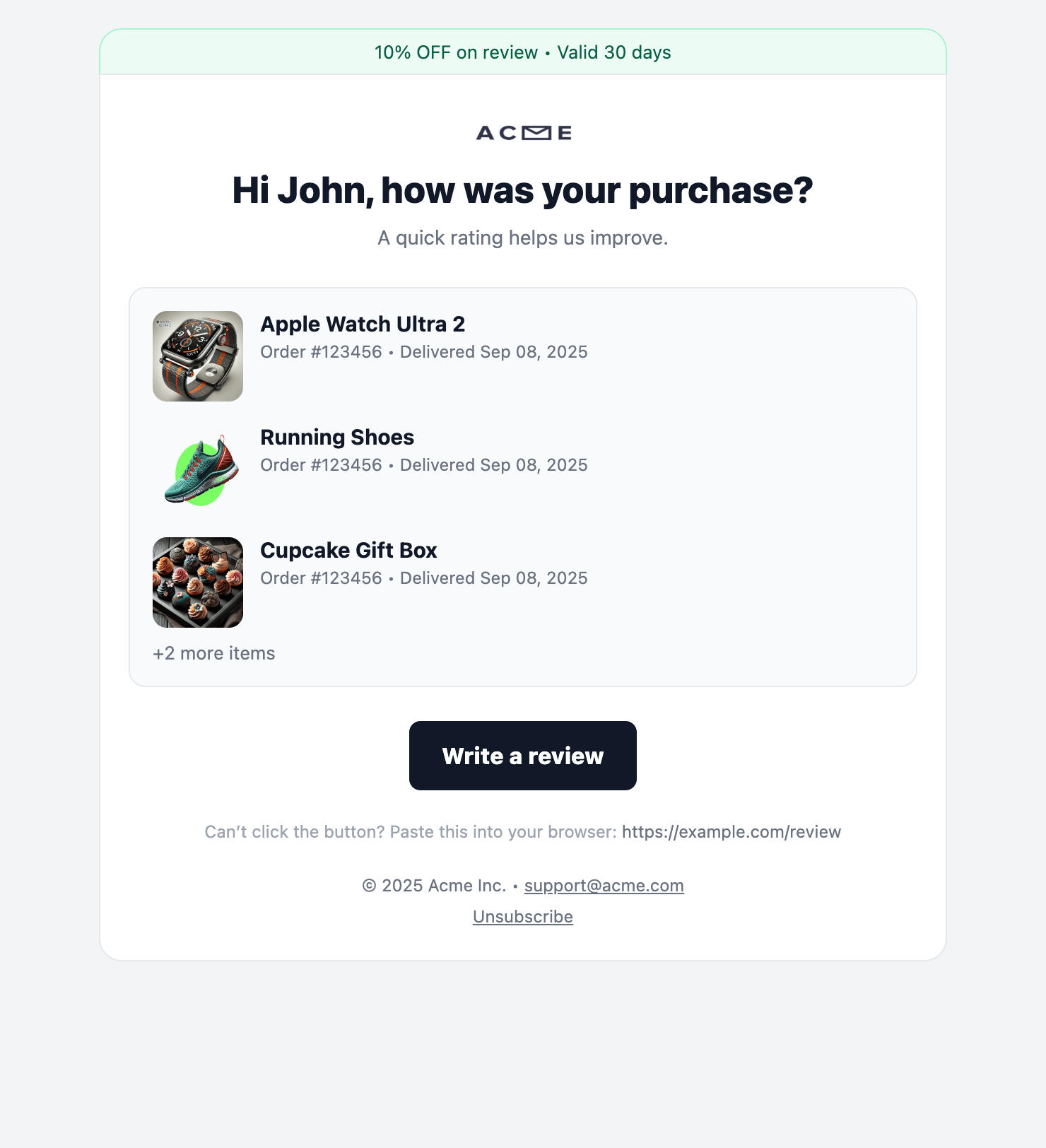
Ask for a rating after delivery, with the purchased items and a discount for reviewing.
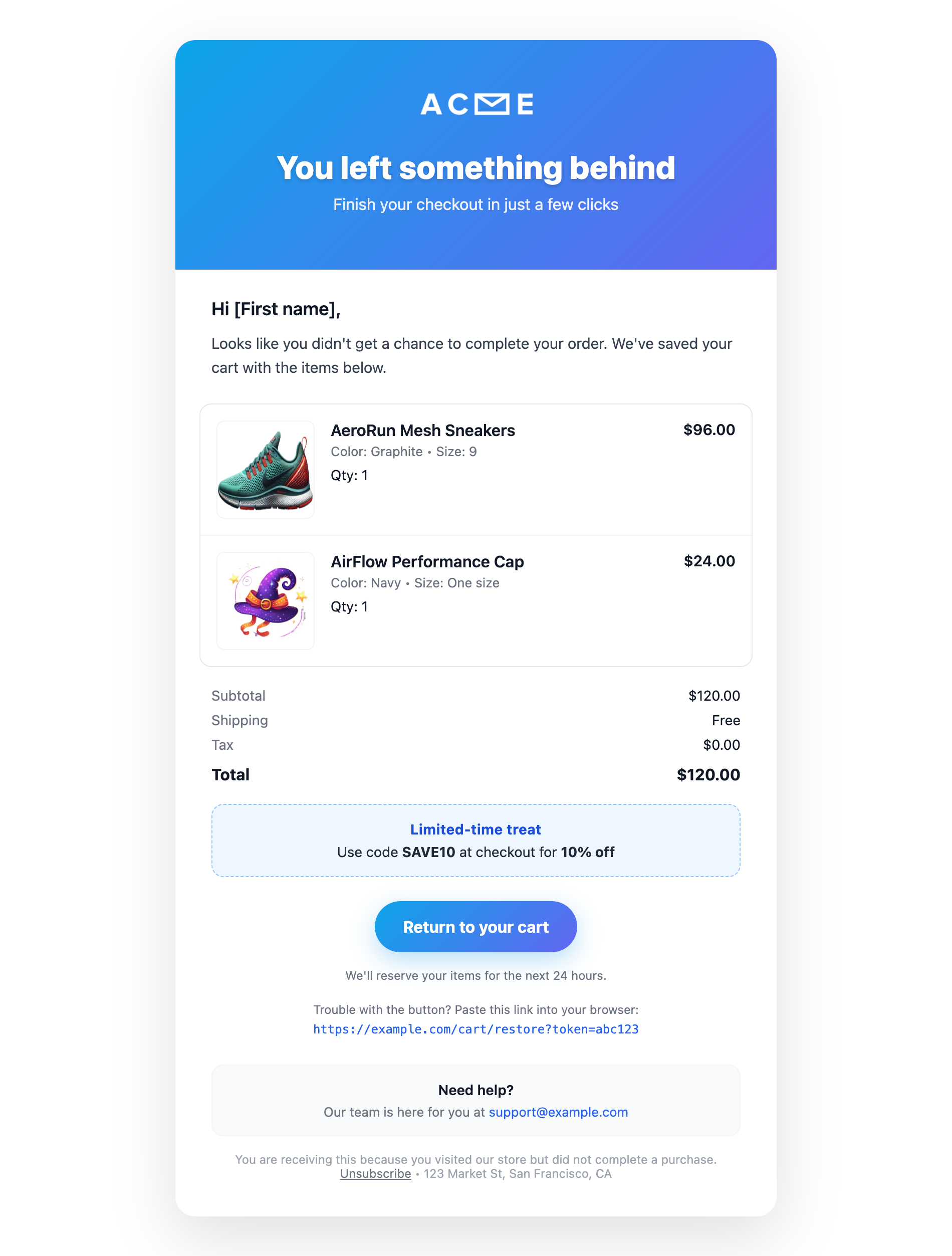
Remind shoppers of the items left in their cart, with product details and a link back to checkout.
Promote gift and decor products with a discount code and featured items.
Run a seasonal sale with a headline discount, special offers, and shop-by-label links.
Announce a sale with a promo code and a grid of featured deals.
Confirm an order with a confirmed, shipped, delivered status tracker and the full order details.
Send a receipt for a subscription or digital purchase with the date and amount paid.
Confirm an order with the order number, an itemized summary, tax, and total.
Start with an order confirmation, a shipping confirmation, and a delivery confirmation, because customers expect all three. Then add an abandoned cart email and a review request. Order adjustment and cancellation emails cover the cases where an order changes.
Send the first email within a few hours, while the shopper still remembers the cart. A common sequence is a reminder after one hour, a second after 24 hours, and a last one after 72 hours. Test the timing with your own customers.
An abandoned cart email goes to a shopper who added an item to the cart and left before paying. A browse abandonment email goes to a shopper who viewed a product but never added it to the cart.
Yes. Each template is plain HTML with inline CSS, so it works in any platform that accepts custom HTML, including Shopify notifications and Klaviyo. Replace the sample order details with the variables your platform provides.
Yes. Every template is free for personal and commercial projects, and no attribution is required.